How the 60-30-10 Room Lighting Method Reduces Eye Strain and Improves Productivity During Long Indoor Work Sessions
Poor lighting creates more workplace fatigue than most people realize, contributing to headaches, decreased focus, and diminished productivity during extended indoor work sessions. The 60-30-10 lighting method offers a systematic approach to distributing light throughout your workspace that mirrors how your eyes naturally process visual information.
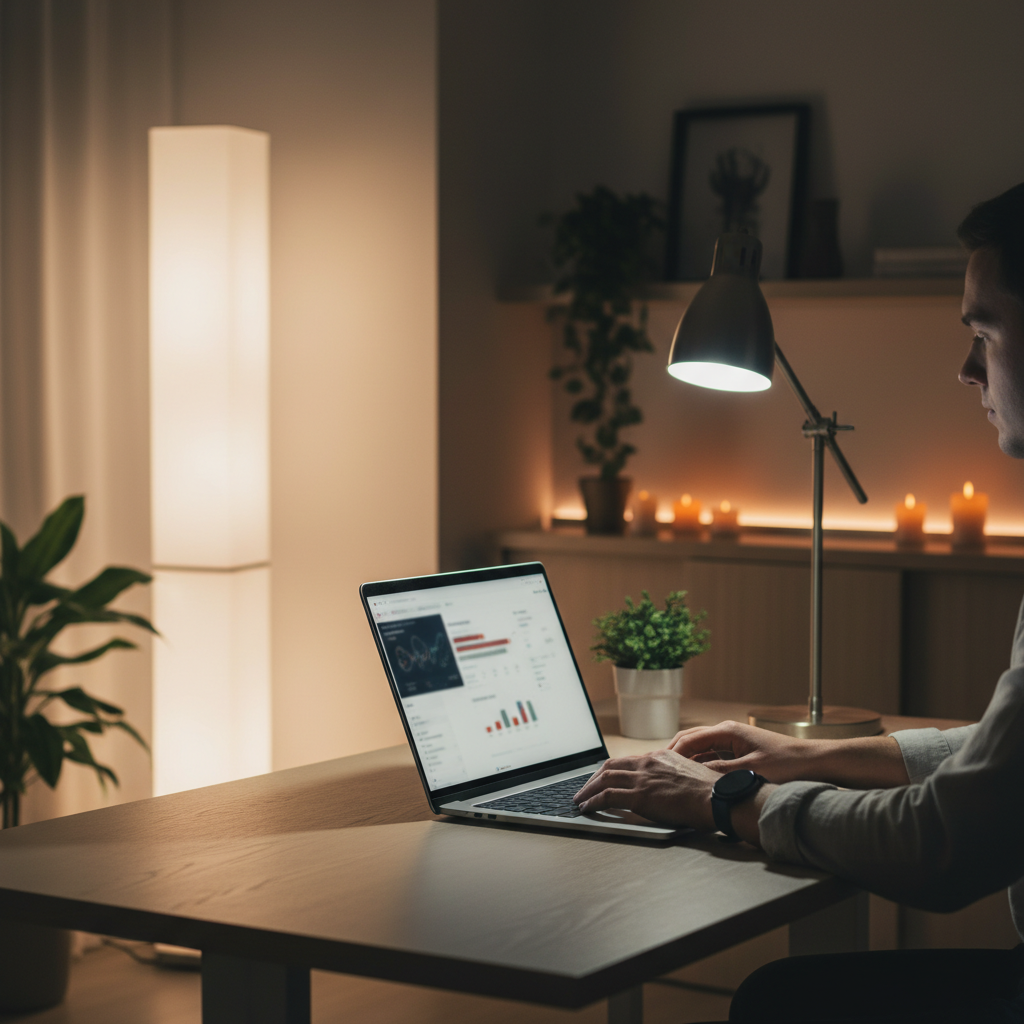
This lighting framework divides room illumination into three distinct zones: 60% ambient lighting for overall brightness, 30% accent lighting for visual interest, and 10% task lighting for focused work areas. When properly implemented, this distribution reduces the stark contrasts that force your eyes to constantly readjust, minimizing strain while maintaining optimal visibility for detailed tasks.
Establish Your 60% Ambient Base Layer First
Ambient lighting forms the foundation of comfortable workspace illumination, providing general brightness that eliminates harsh shadows and dark corners. This base layer should distribute light evenly throughout your room using ceiling fixtures, floor lamps, or wall-mounted lights with diffused bulbs. Philips and GE offer adjustable LED panels that work particularly well for creating consistent ambient coverage. The goal is achieving uniform brightness without creating glare or overly bright spots that compete with your computer screen.
Add 30% Accent Lighting for Visual Balance
Accent lighting prevents the visual monotony that leads to eye fatigue during long work sessions by creating gentle variation in your peripheral vision. Table lamps, strip lighting behind monitors, or decorative fixtures provide this secondary illumination layer without directly interfering with task visibility. IKEA's adjustable desk lamps and Govee's bias lighting strips work effectively for this purpose. Position accent lights to create depth and visual interest while avoiding direct glare into your line of sight when looking at screens or documents.
Target Task Areas with Focused 10% Lighting
Task lighting delivers concentrated illumination exactly where detailed work happens, whether reading documents, writing notes, or examining materials closely. Adjustable desk lamps with directional heads allow precise control over light placement and intensity for specific activities. BenQ ScreenBar and Humanscale's M/Connect series provide excellent task lighting options that attach directly to monitors or position independently. This focused lighting should complement rather than compete with your screen brightness, reducing the contrast between your work surface and display.
Adjust Color Temperature Throughout Your Workday
Color temperature significantly impacts both eye comfort and circadian rhythm alignment during extended indoor work periods. Cool white light (4000-5000K) enhances alertness and focus during morning and midday work sessions, while warmer tones (2700-3000K) reduce eye strain during evening tasks. Smart bulbs from brands like Hue or LIFX enable automatic temperature adjustments that sync with your schedule. This gradual shift helps maintain natural energy patterns while preventing the harsh blue light exposure that disrupts sleep preparation.
Position Lights to Minimize Screen Glare
Screen glare creates one of the most common sources of workplace eye strain, forcing constant pupil adjustments that lead to fatigue and headaches. Position your primary light sources perpendicular to your screen rather than directly behind or in front of your monitor. Side lighting from adjustable floor lamps or wall sconces provides adequate illumination without creating reflective hotspots on your display. Additionally, bias lighting placed behind your monitor reduces the contrast between bright screens and dark backgrounds, helping your eyes maintain consistent focus.
Create Lighting Zones for Different Activities
Different work activities require varying lighting approaches, and the 60-30-10 method adapts easily to support multiple tasks within the same space. Video calls benefit from even facial lighting achieved through front-facing accent lights, while detailed reading requires focused task illumination. Creative work often needs broader, softer lighting that reduces harsh shadows on materials. Establish distinct lighting zones using multiple fixtures that can be controlled independently, allowing quick adjustments as your work focus shifts throughout the day.
Use Natural Light Integration When Available
Natural light provides the most comfortable baseline for extended work sessions, but it requires careful integration with artificial lighting to maintain the 60-30-10 balance. Position your workspace perpendicular to windows to avoid direct glare while benefiting from natural ambient light during daylight hours. Adjustable blinds or curtains help control natural light intensity as it changes throughout the day. Supplement natural lighting with artificial sources that maintain your established ratios, ensuring consistent comfort regardless of weather conditions or seasonal daylight variations.
Monitor and Adjust Based on Eye Comfort Signals
Your eyes provide clear feedback about lighting effectiveness through fatigue levels, focusing ability, and overall comfort during work sessions. Frequent blinking, difficulty maintaining focus, or the urge to look away from your work indicates lighting imbalances that need adjustment. Regular breaks using the 20-20-20 rule (looking at something 20 feet away for 20 seconds every 20 minutes) help you assess whether your lighting setup supports sustained comfort. Fine-tune your 60-30-10 distribution based on these comfort signals rather than relying solely on brightness measurements.
Proper lighting continues evolving as LED technology advances and smart home integration becomes more sophisticated, making personalized lighting environments increasingly accessible for remote workers and office spaces alike.